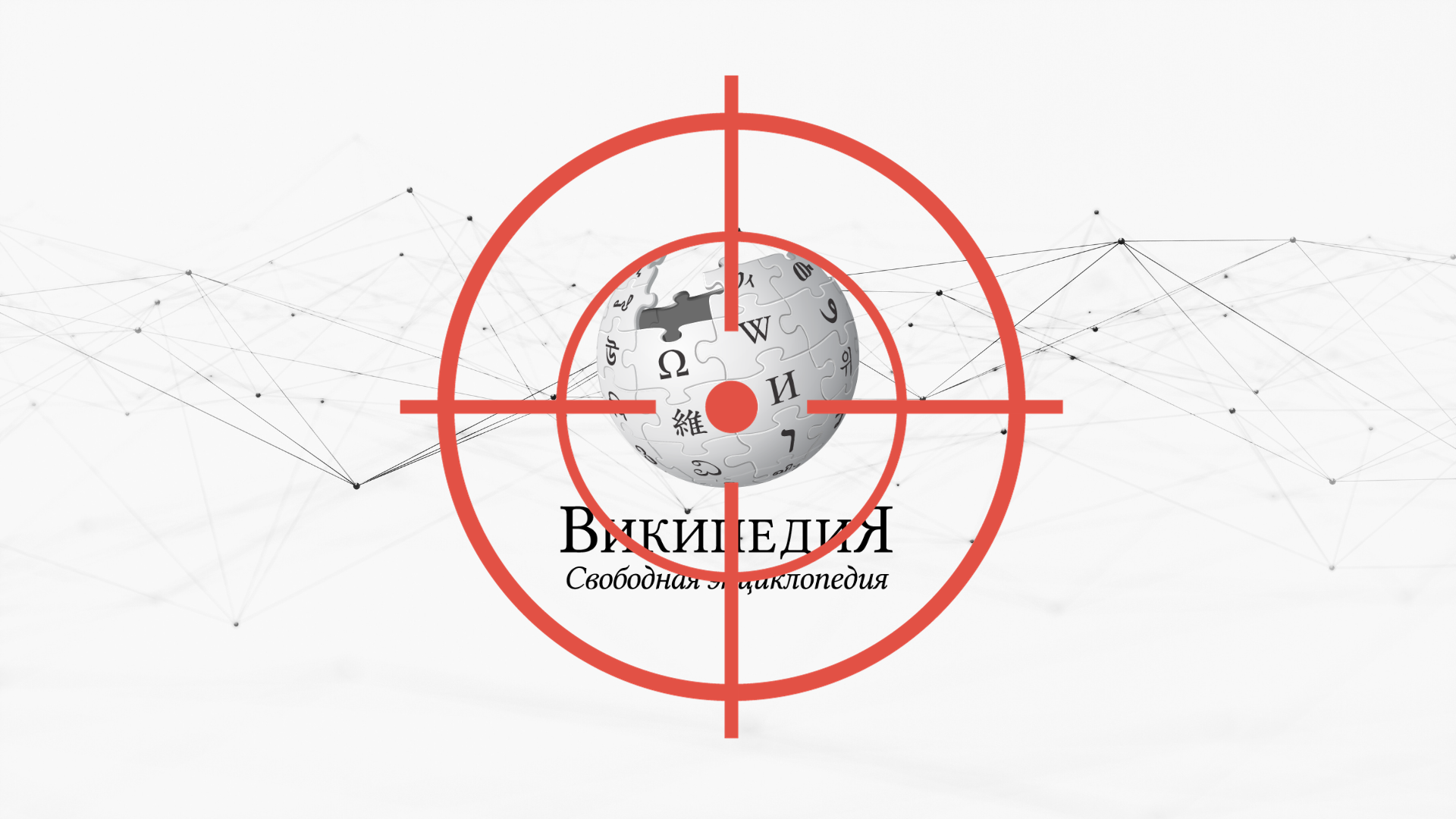
Why is Vladimir Putin trying to destroy the Russian Wikipedia?
The end of the Russian Wikipedia, and is Wikipedia is making AI better?
🔔 Wiki Briefing
The End of the Russian Wikipedia?
Wikipedia is a global project, and sometimes that means global problems become Wikipedia's problems. China has blocked access to the site for several years, and under a few repressive regimes some contributors have even been jailed for editing Wikipedia. But something much darker is happening right now on the Russian Wikipedia.
Vladimir Putin's regime has been trying to control Wikipedia for many years, but the government's campaign against Wikipedia stepped up considerably following the Russian invasion of Ukraine in early 2022. In both the English and Russian languages, Wikipedia editors created and updated numerous articles about the war and its impacts. Of course, Putin maintained that there was no war, and didn't want Russian citizens reading otherwise. Less than a week after the war began, Russia's agency in charge of censorship wrote to Wikipedia's parent organization demanding the removal of the article about the invasion from the Russian Wikipedia. Ultimately, Russian officials identified 133 articles it considered to be "fake news".
From then and through most of 2023, Russian courts levied fine after fine against the Wikimedia Foundation, at least ten times and totaling more than ten million rubles (more than US$100,000) and a total block of Wikipedia seemed ever more likely. It was easy enough for the Wikimedia Foundation to ignore, but the Russian government was also targeting another organization that couldn't just brush it off: Wikimedia Russia, a chapter affiliate, whose membership includes Russian nationals.
Then in spring 2023, a Russian government spokesperson suggested to Reuters that someone should create a competing encyclopedia in Russian, which the government would support. A few weeks later, someone did: the executive director of Wikimedia Russia, Vladimir Medeykom. His new site was called "Ruviki", and it would start by copying all of Wikipedia—minus those 133 articles—making it the instant frontrunner for state approval. Wikipedia editors were shocked, and Medeykom was indefinitely, globally shut out of Wikipedia sites.
But that wasn't the end of it. Wikimedia Russia's new executive director, Stanislav Kozlovsky, had been in his role for less than six months when the hammer fell. Kozlovsky's longtime employer, Moscow State University, was informed that he was about to be designated a foreign agent, and forced him to resign. A day later, Wikimedia Russia voted to dissolve itself.
What happens next for the Russian Wikipedia isn't clear. If Putin decides to block the site entirely, native Russian speakers who can edit the site will be very few. Without many editors to contribute, the site might stagnate, and become easier for Russian trolls to take over. If that happens, the Wikimedia Foundation could face a tough decision about whether to pull the plug on the Russian Wikipedia entirely.
📚 Research Report
Wikipedia Makes AI Better
AI's potential impacts on Wikipedia are a hot topic on Wikipedia, but what about Wikipedia's impact on AI? The title of a new paper out of Stanford's computer science department suggests it may be a helpful one: "Fine-tuned LLMs Know More, Hallucinate Less with Few-Shot Sequence-to-Sequence Semantic Parsing over Wikidata". In plain English, AI chat programs that are set up to rely on Wikipedia's sister site, Wikidata, are less likely to make things up. So if Wikipedia is going to make AI better, then AI better hold up its end of the bargain and help make Wikipedia better.
🧩 Wikipedia Facts
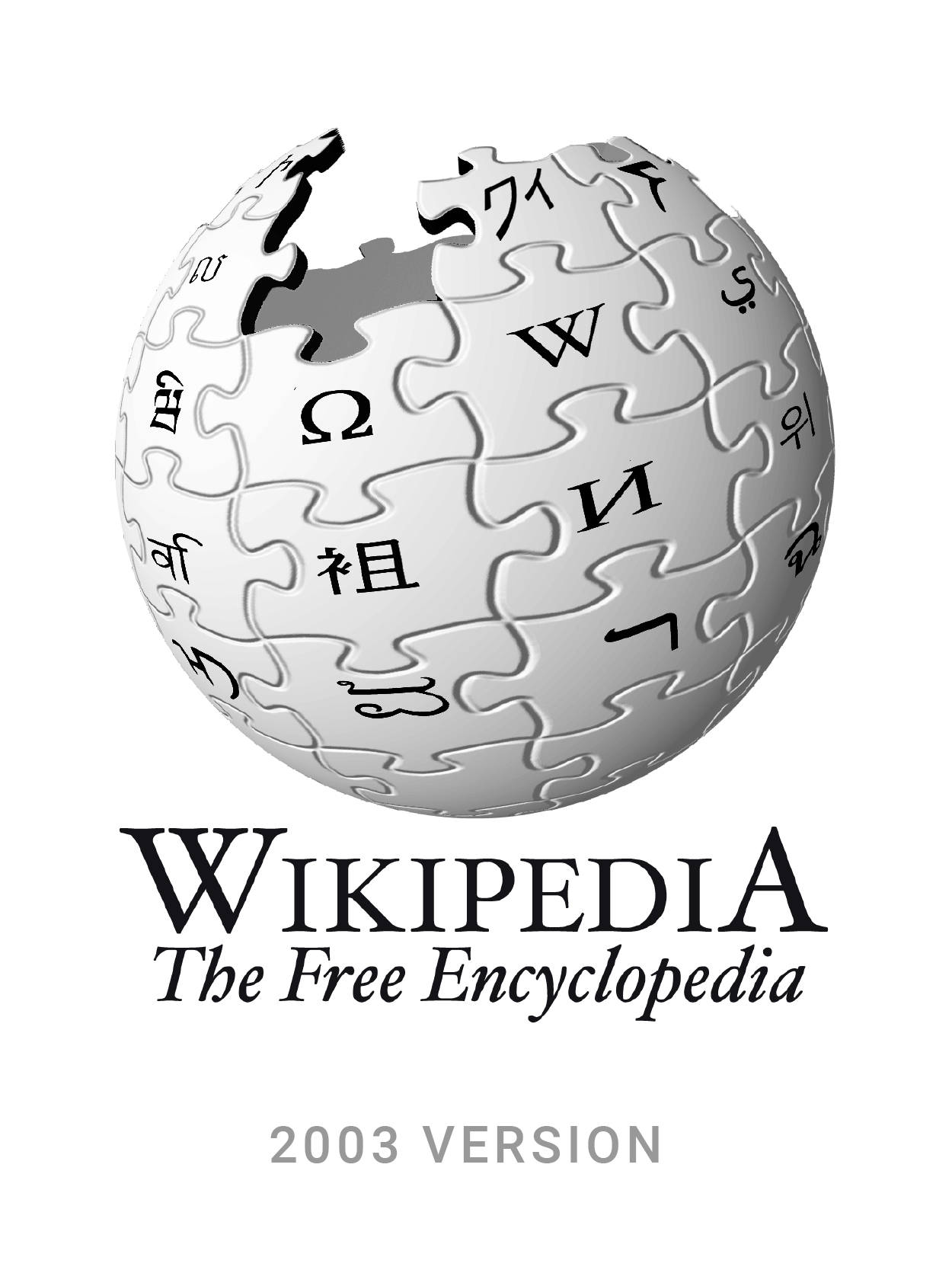
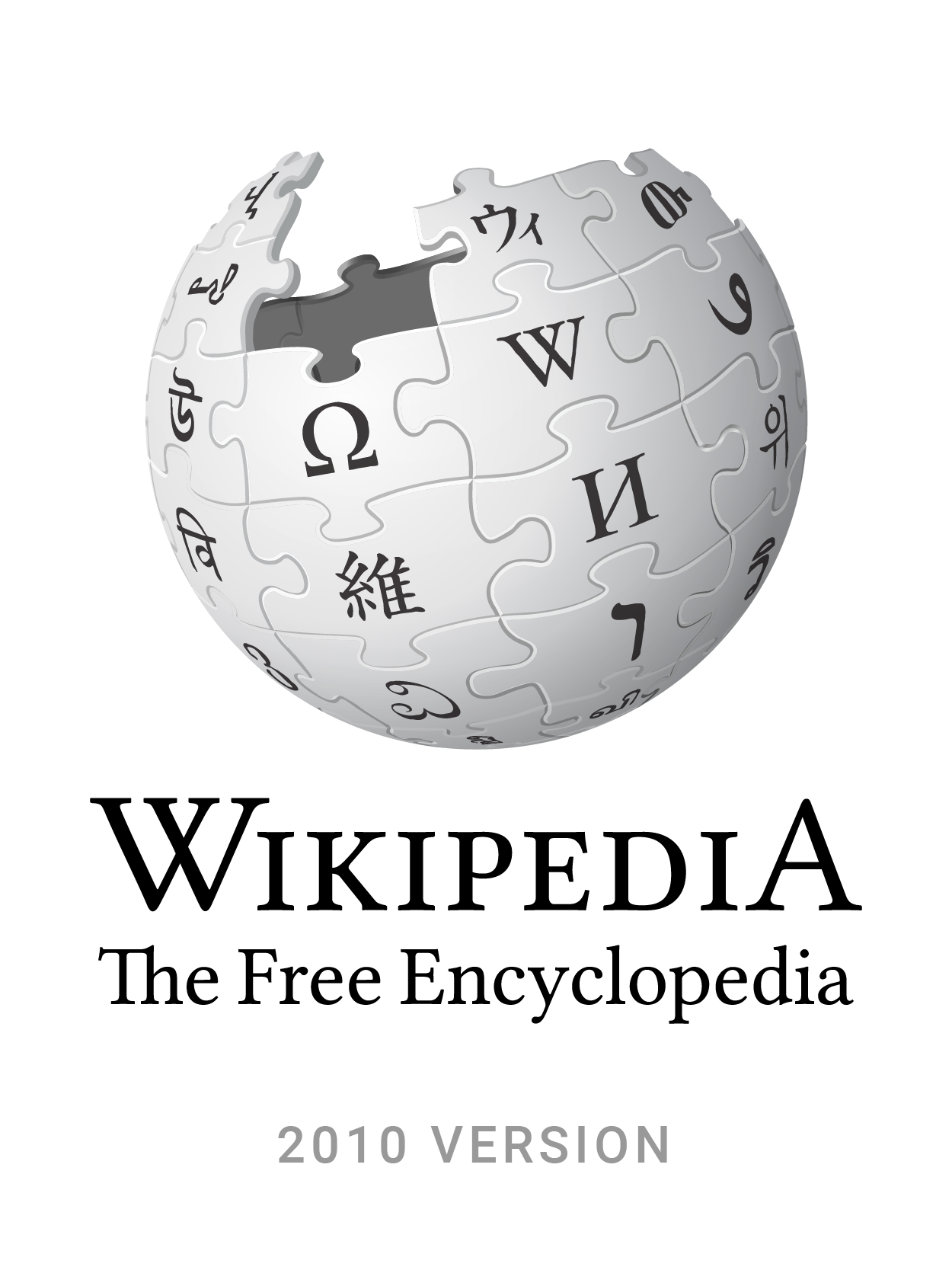
Wikipedia's famous globe logo, with letters or characters making a sound similar to the "W" in Wikipedia, has long had errors in them. Most prominently Japanese characters (ワィ) in the original design actually sound like "Y". In 2009, the Wikimedia Foundation updated the characters (ウィ). They do look similar! But the redesign also preserved some errors and even introduced new ones, especially a new Khmer letter placed on its side. Oops.
💡 Tips & Tricks
If you have a Wikipedia user account, there are dozens of custom software features called "gadgets" which you can add to your account. You can find these by clicking on the little person icon in the very top right of the page, selecting Preferences, and on that page, selecting the Gadgets tab. An especially useful one is called Reference Tooltips; turn it on, and when your mouse hovers over citations in article, it will show you the full reference found at the bottom of the page. A similar one called Navigation popups will show you previews of Wikipedia articles linked from the Wikipedia article you're currently reading.